Prepparia
Plan how much to store, track what you have, stretch it if you must. Your data stays on this device.
1. Make a plan
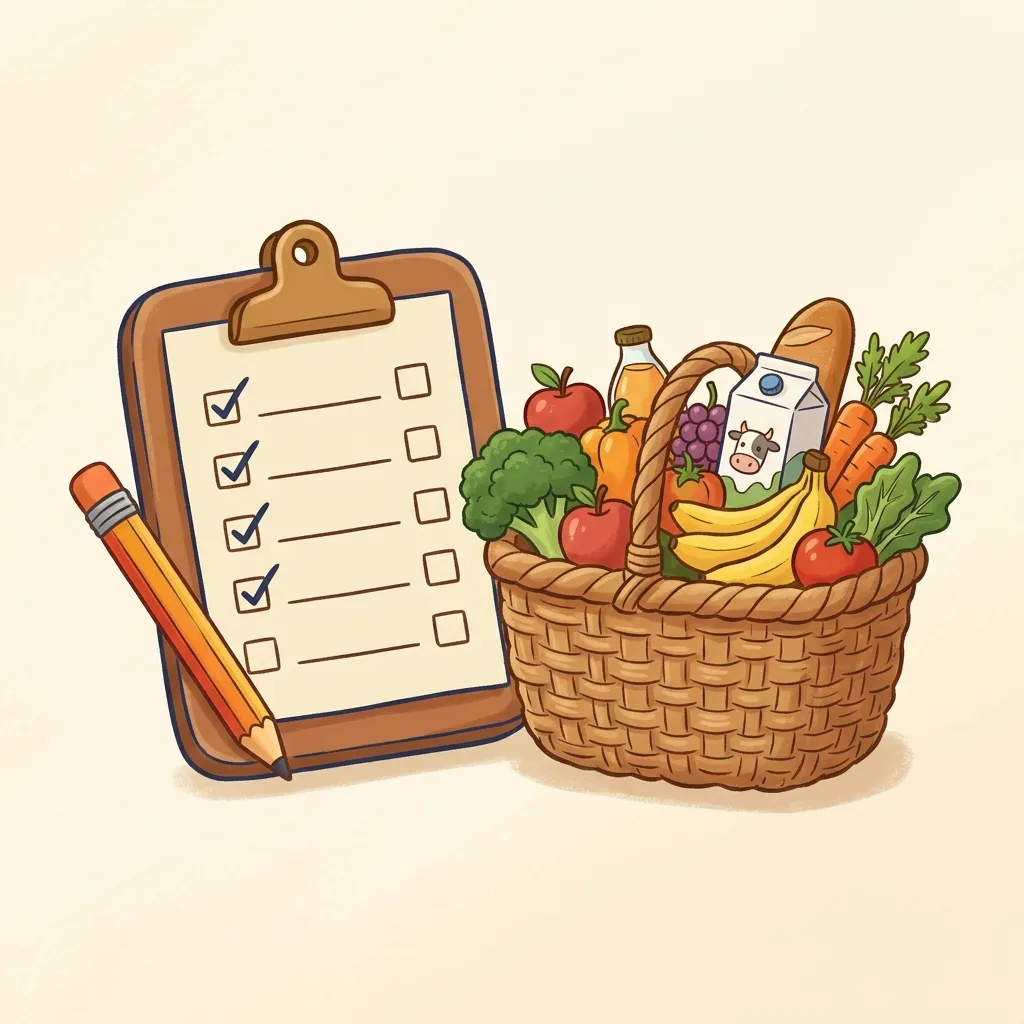
Tell Prepparia who is in your household — adults, kids and how long you want to be prepared for. It works out how much food and water you need and turns the gap into a shopping list.
2. Keep your stock up to date
Every item you buy gets its own label, so Prepparia always knows what you have and when it goes out of date.
 Print labels
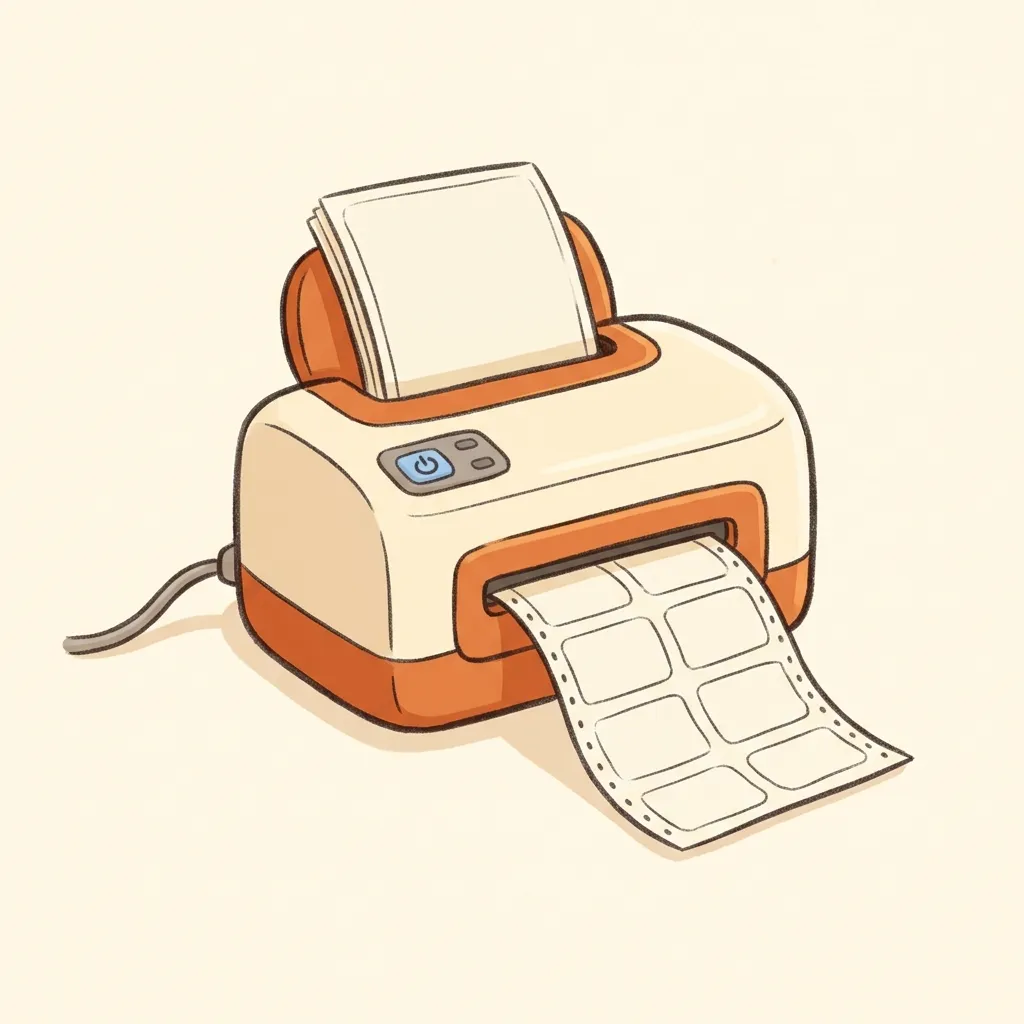
Print a sheet of sticky labels from the Labels tab, each with its own code.
 Label the item
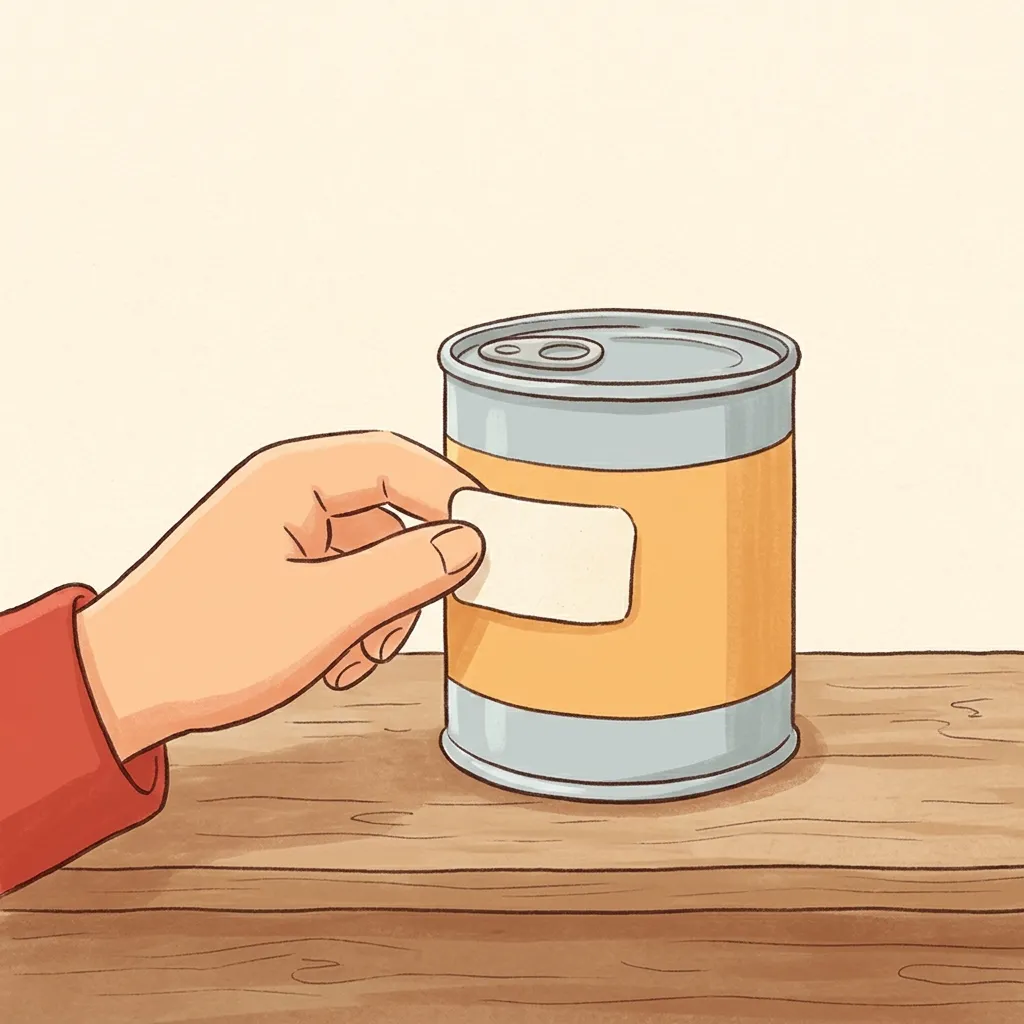
Stick one label on each thing you buy or already have stored.
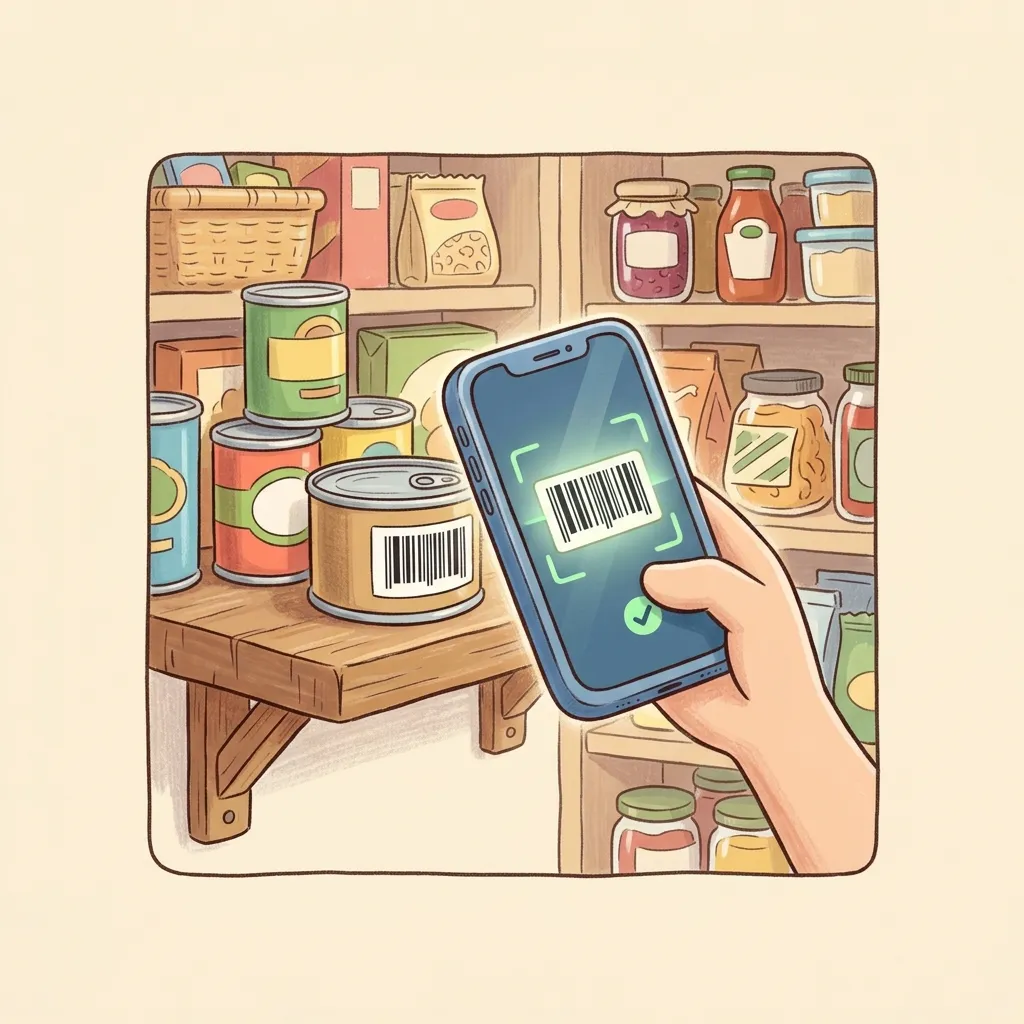 Scan it into stock
Scan or type the code on the Stock tab, add the expiry date, and it is tracked.
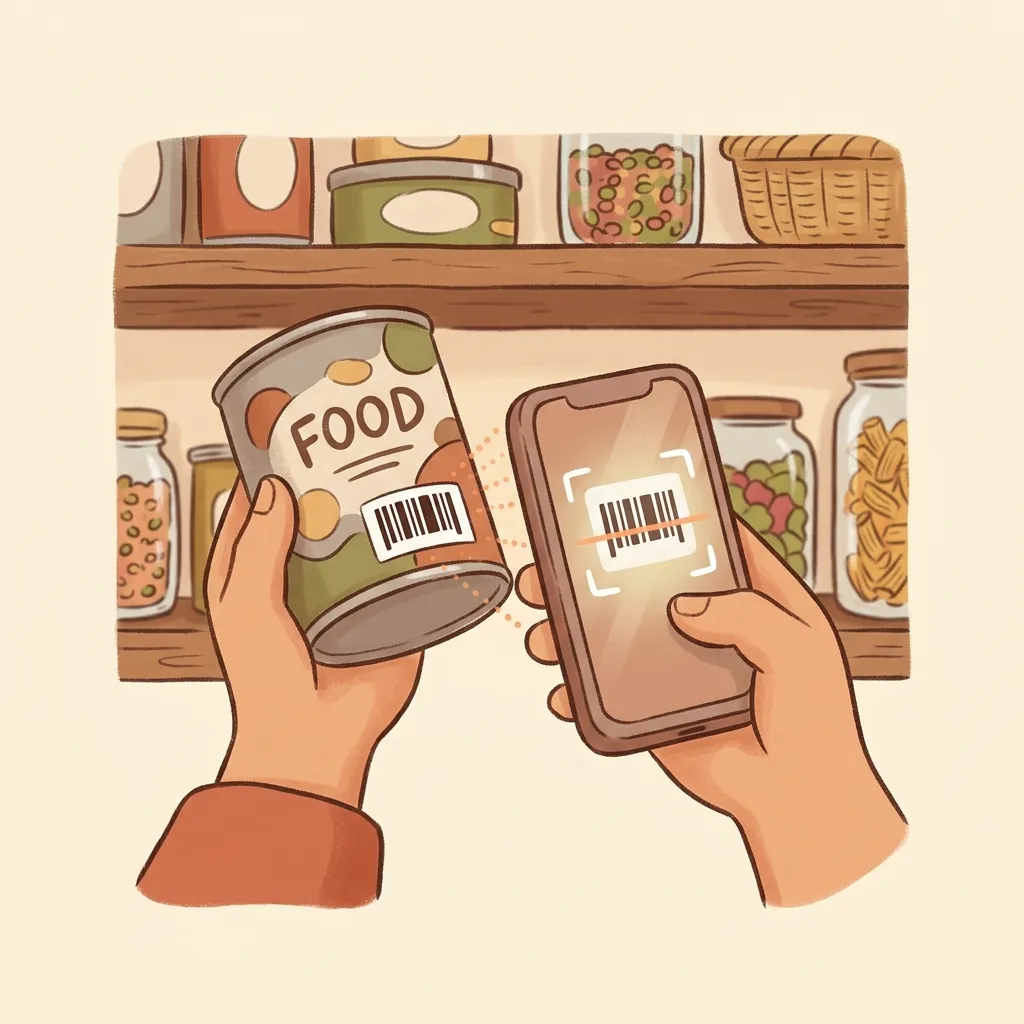 Scan it back out
When you open or finish the item, scan the same code again on the Use tab.
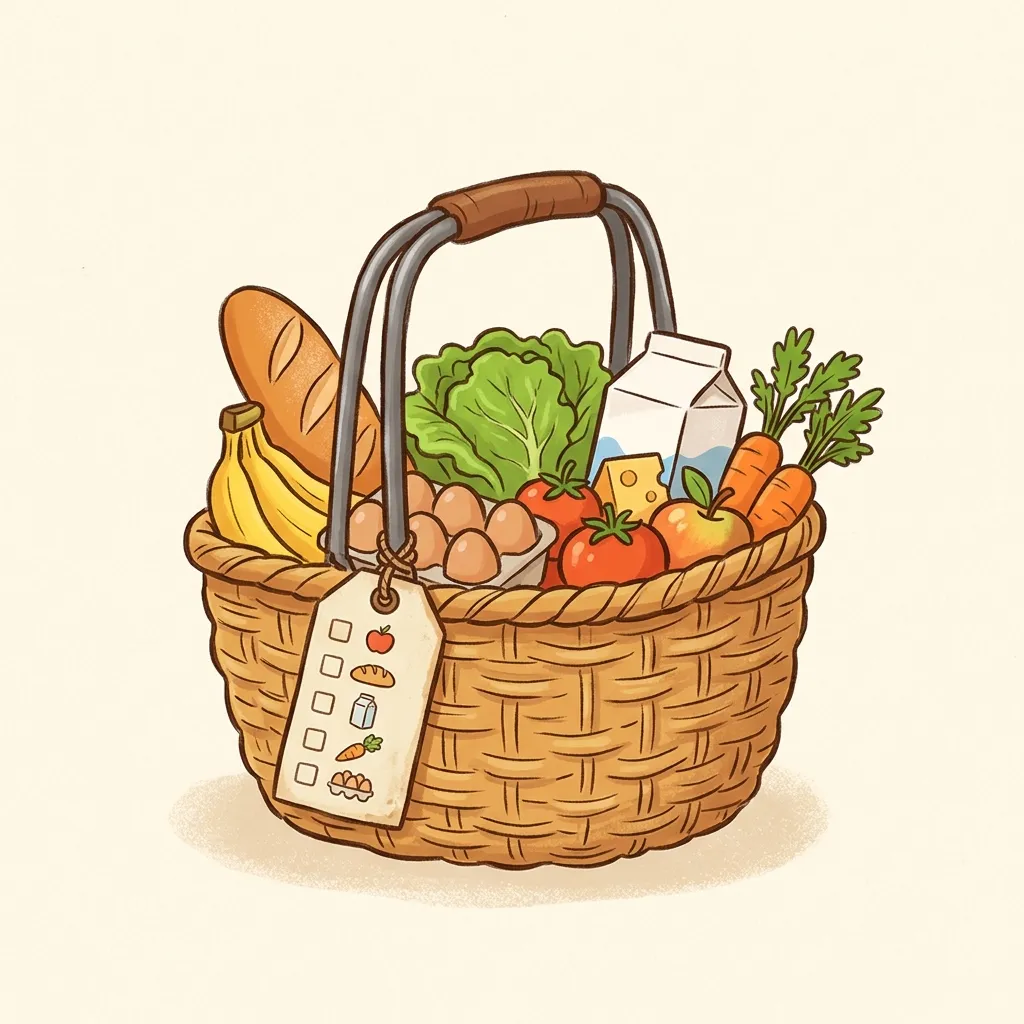 Back on the shopping list
Using it up adds it straight back to your shopping list, ready to buy and label again.
Then it starts again: buy it, print a new label, and the cycle continues.
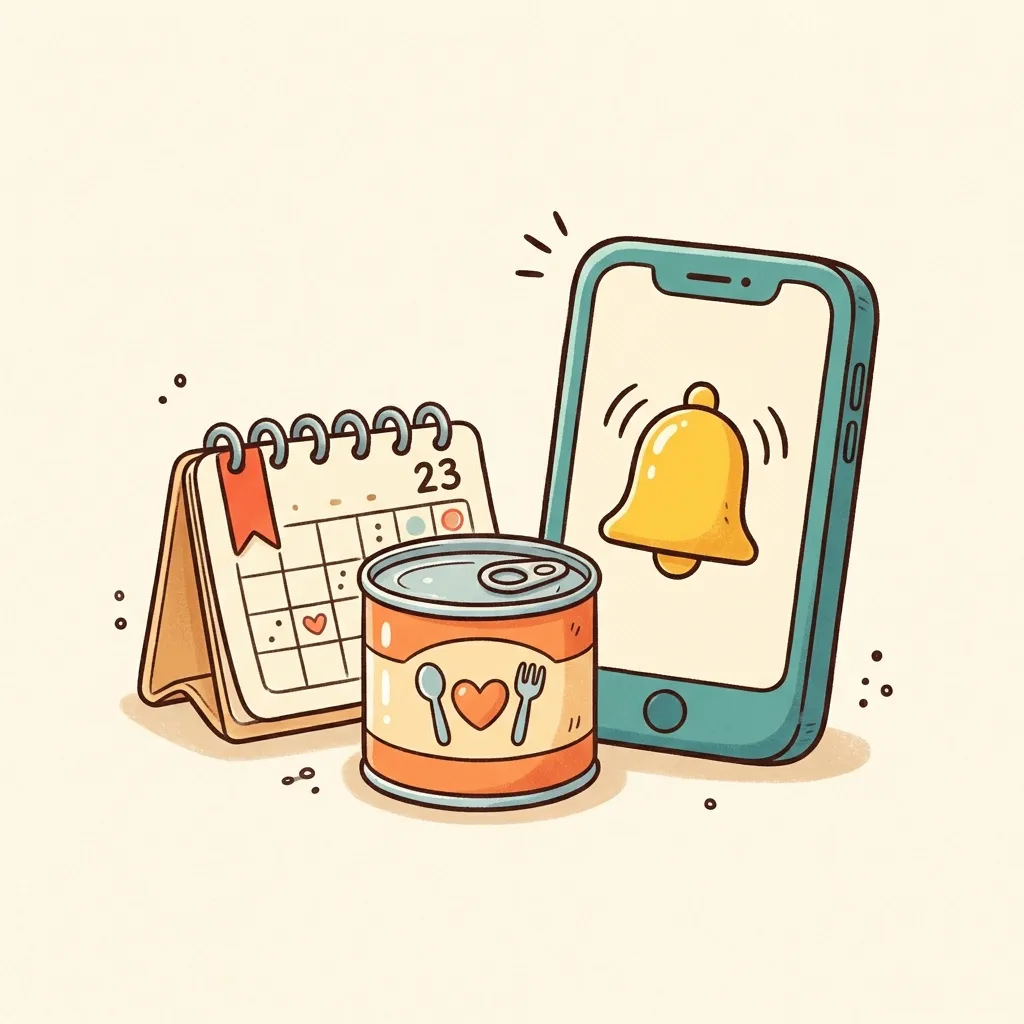
3. Never miss an expiry date
Because every item carries its expiry date from the moment you scan it in, Prepparia can warn you before food goes out of date, so you can use it in time instead of throwing it away.
See it in action
Nothing here is medical advice. Check food safety and dietary needs with a qualified professional.